Launching my Chinese App
Before 2025 ends, it's time to let everyone try out Bookchoy!
 Steven Landow December 31, 2025 · 4 min read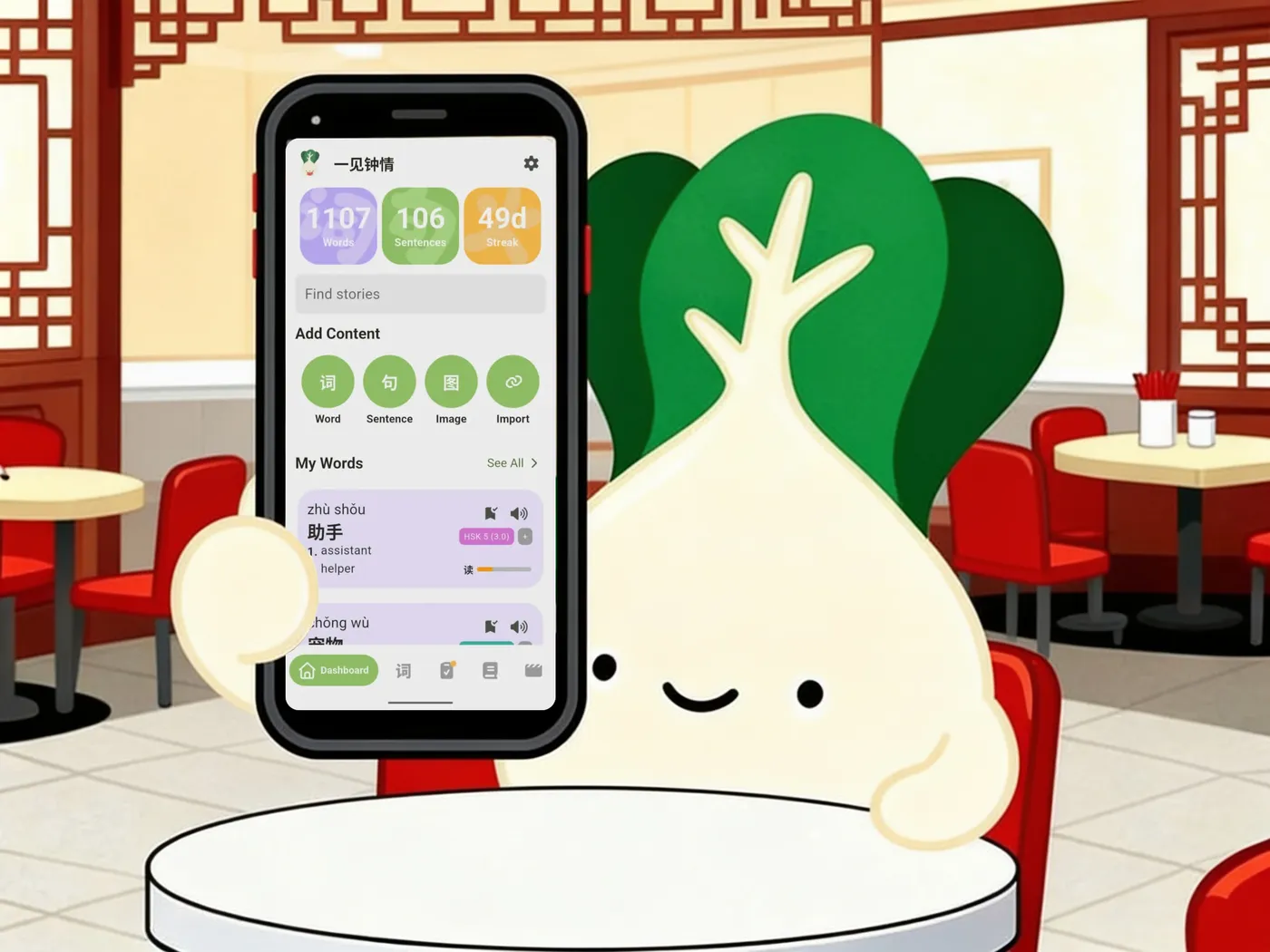
What is bookchoy? It's a dictionary, an e-reader, a video player, a chrome-extension, an OCR tool and an SRS. I think it's the perfect toolkit for learning Chinese, even if you only use one or two of the things it can do.
Towards the end of 2024, my Chinese learning hit a wall. I could hold a basic conversation, but my vocabulary was too limited to express myself the way I could in English. I needed a way to learn new words, the words I wanted to learn, not whatever Duolingo-style apps decided to show me next.
Anki seemed like a good fit. It's the standard for memorizing vocabulary. I'm not the biggest fan of flashcards, though. I don't love making them and the self-grading aspect doesn't give feel like satisfying feedback, so errors sink in and correct answers don't feel rewarding.
The original idea for Bookchoy was simple: a dictionary app with built-in SRS that could generate interactive quizzes instead of traditional flashcards.
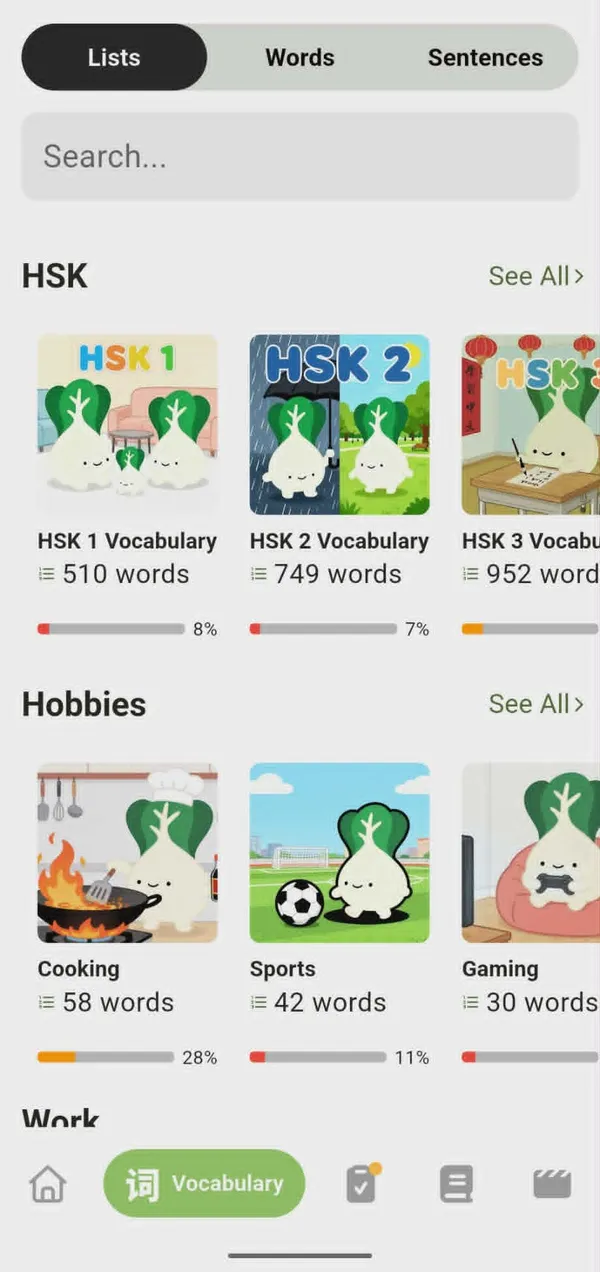
Then I realized another problem: I don't always know which words I need to learn next. So I've built vocabulary lists for topics like food, travel, computer programming, and Brazilian Jiu-Jitsu. Eventually, it would be cool if these became topical mini-courses, but I'll need some help from native speakers who enjoy the specific topics to make that happen.
Lists are cool, but not as fun as real input. One of the most effective language learning strategies is Comprehensible Input: consuming content you can mostly understand: movies, shows, books, songs, podcasts that are slightly above your current level.
Reading
Reading builds character recognition and expands your vocabulary naturally. You'll also start picking up grammar patterns passively.
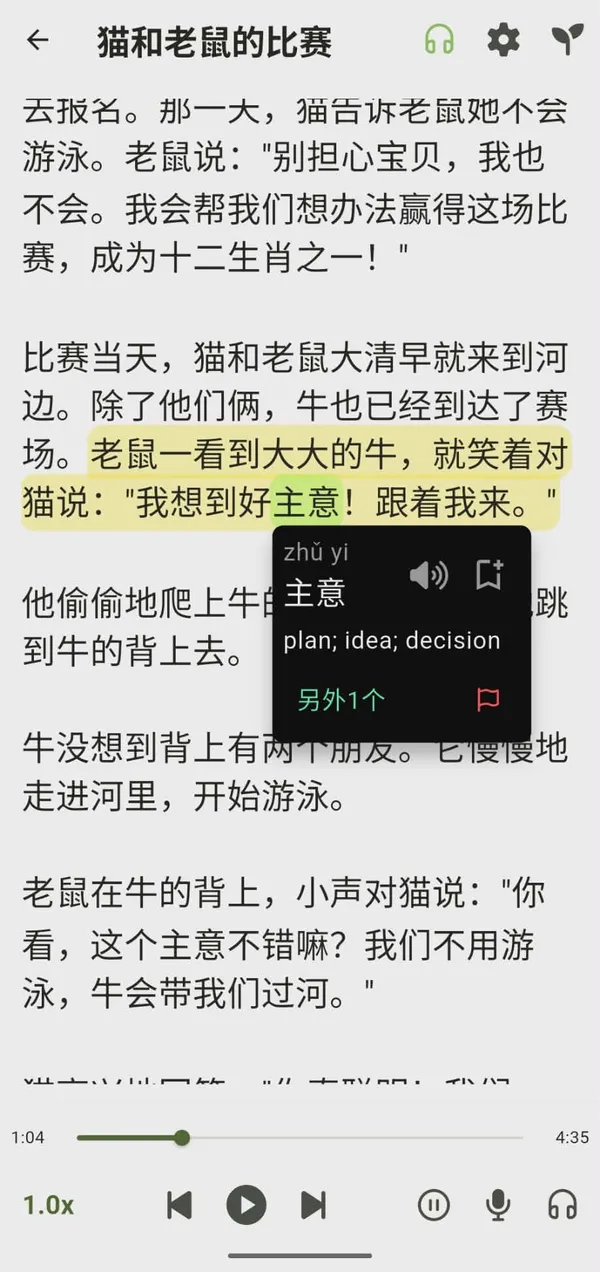
Bookchoy has a small library of built-in stories (with audiobooks!), but the
real power is importing your own. Paste any Chinese text into the app, upload
an epub or paste a YouTube or webpage link and Bookchoy makes it readable
with interactive dictionary lookup and in-depth explanations of sentences and
words in context.
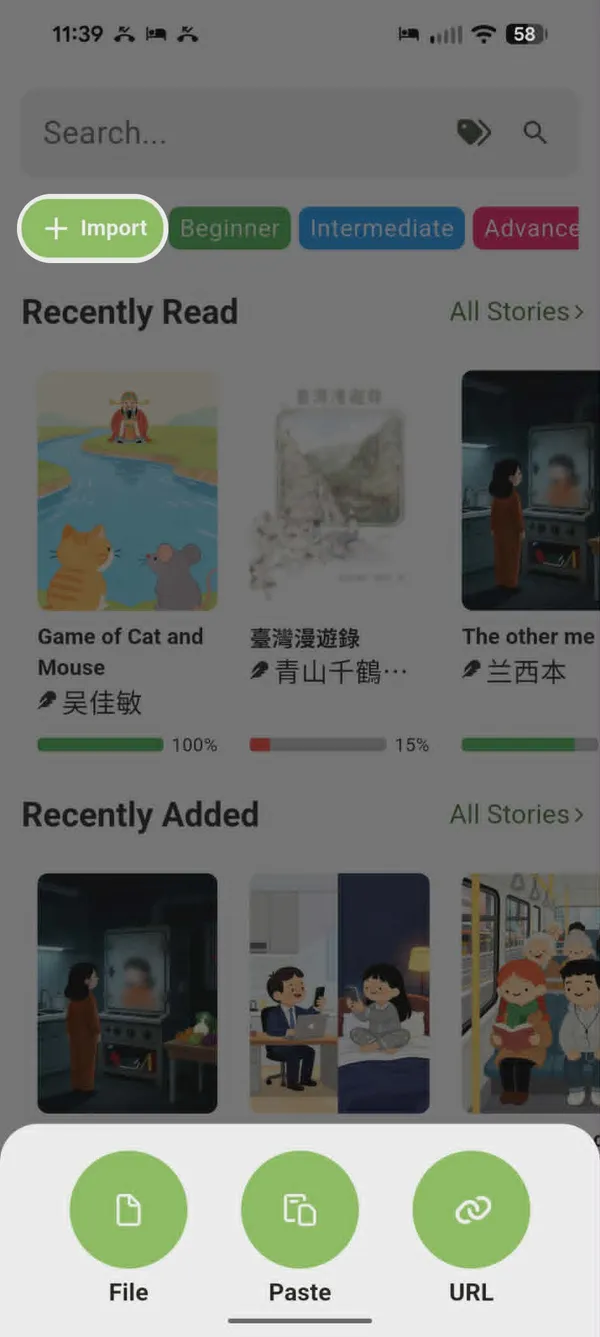
Making it easy to save words while reading is what transformed Bookchoy from a dictionary app into an e-reader. Chinese has a lot of ambiguity. Figuring out where words start and end isn't obvious:
我喜欢学习中文。
There are no spaces. Where does 喜欢 start? Where does 学习 end?
I developed a custom algorithm and a small AI model that runs on-device to handle this. It can also disambiguate characters with multiple meanings and pronunciations:
把面条拉成长条
成长 (chéng zhǎng) means "to grow," but here we actually have 成 "to become" + 长条 (cháng tiáo) "long strip."
Bookchoy handles most cases correctly. I'll continue refining it over time.
Watching
Bookchoy has a built-in YouTube player with interactive subtitles. Tap any word to see its meaning and pronunciation, with the same in-depth explanations as the reader.
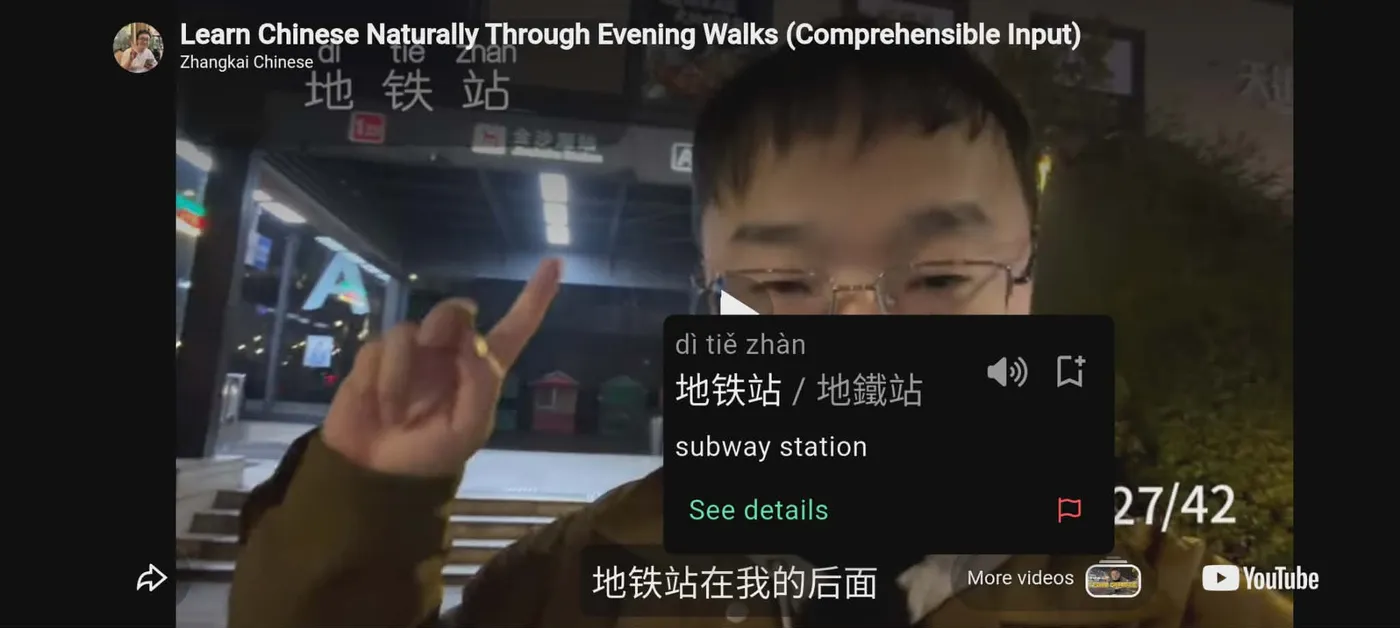
Eventually, I'll release a Chrome extension for YouTube, Netflix, Bilibili, Disney+, iQiyi, and more—same interactive subtitles, same vocabulary collection.
EDIT (June 2026): The Chrome Extension is coming soon! It should be available this month for download as soon as Google approves it on the Chrome Web Store. It will work on YouTube, Netflix, Disney+, iQiyi, and every webpage you visit. Everything you save on the extension will show up in the app for review.
Listening
Listening practice matters too. I plan to add a podcast player and audio recordings for built-in stories. I might even support generating audiobooks for imported content.
For now, listening is limited to the YouTube player and audio playback for individual words and sentences.
EDIT (June 2026): As you can see in the reader screenshot above, built-in stories now have audiobooks!
Studying and Reviewing
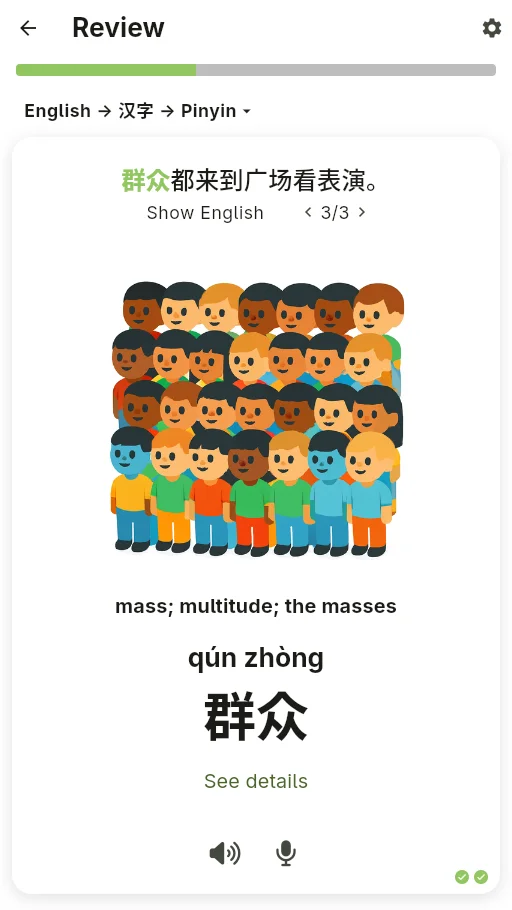
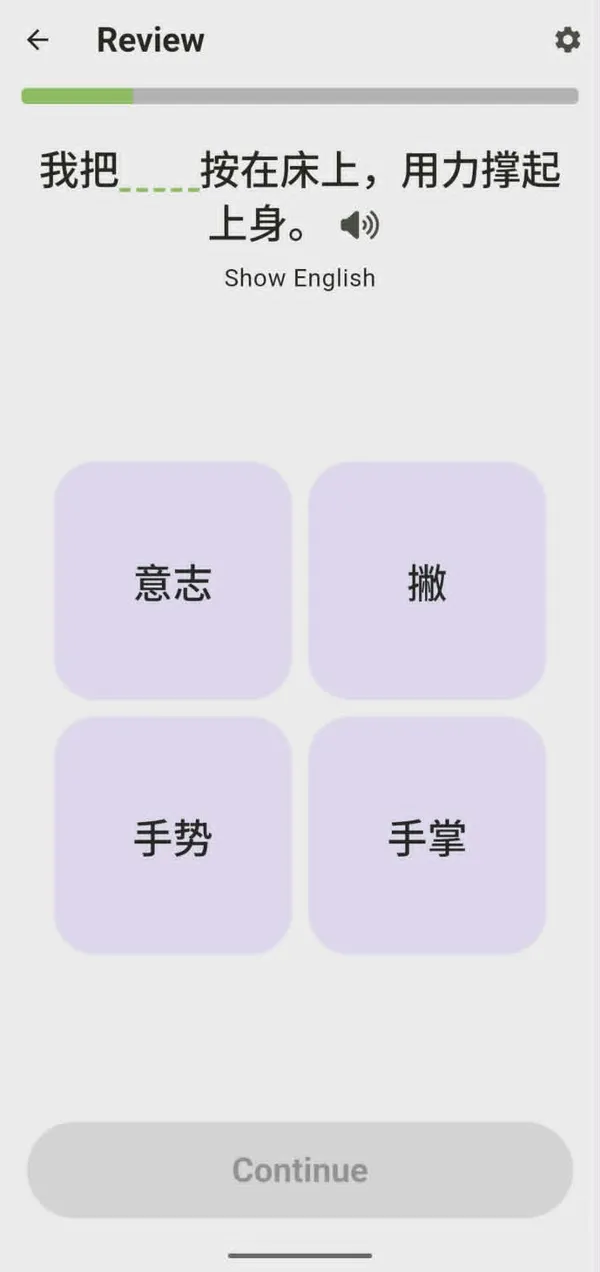
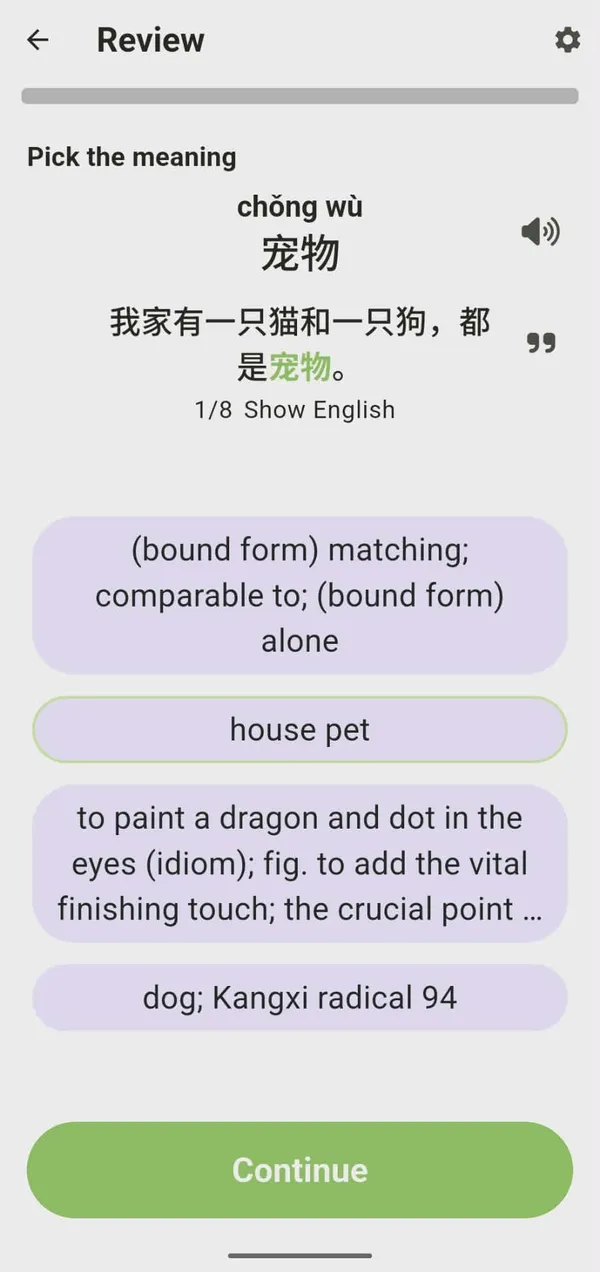
Repetition is what makes words stick. Bookchoy uses Spaced Repetition (SRS)—the same science-backed approach used by most language apps. Each time you review a word, the interval before you see it again increases. You review right before you'd forget, which helps cement it in long-term memory.
Current review activities:
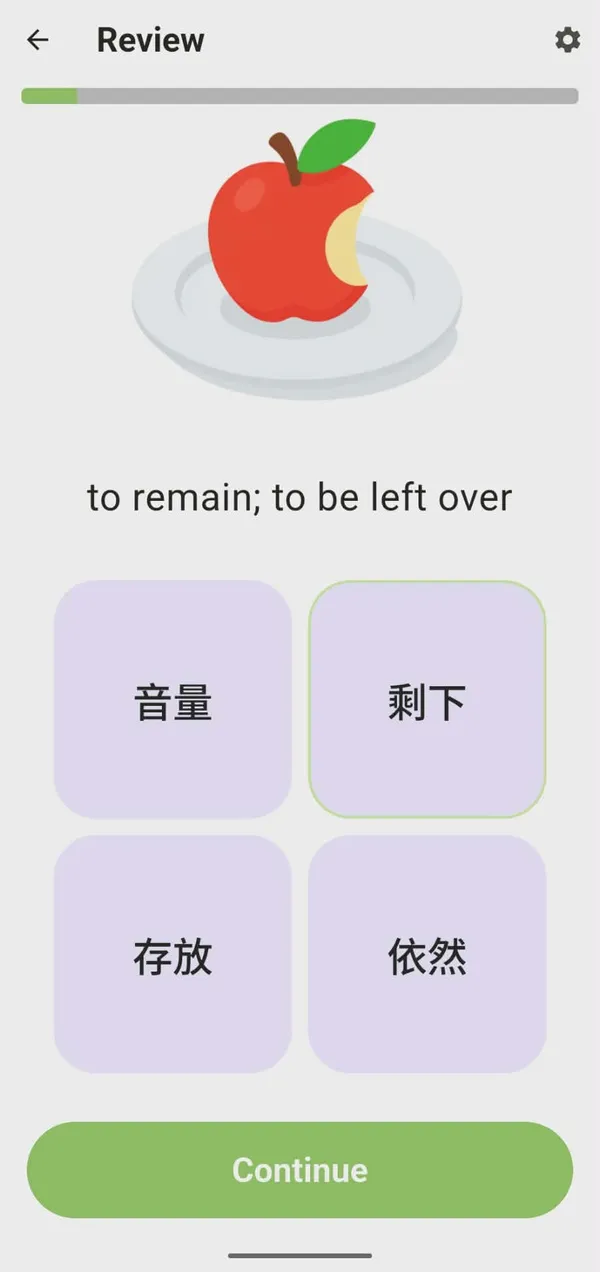
- Multiple choice — test pronunciation and meaning
- Fill in the blank — learn how words are used in context
- Sentence drills — translate English prompts into Chinese using a keyboard or word bank
- Writing practice — open-ended prompts with feedback on grammar and word choice

Get the Bookchoy app
Read, watch and practice Chinese from whatever content you want. 什么菜都可以!